Prototyping the Useless Butler: Machine Learning for IoT Designers

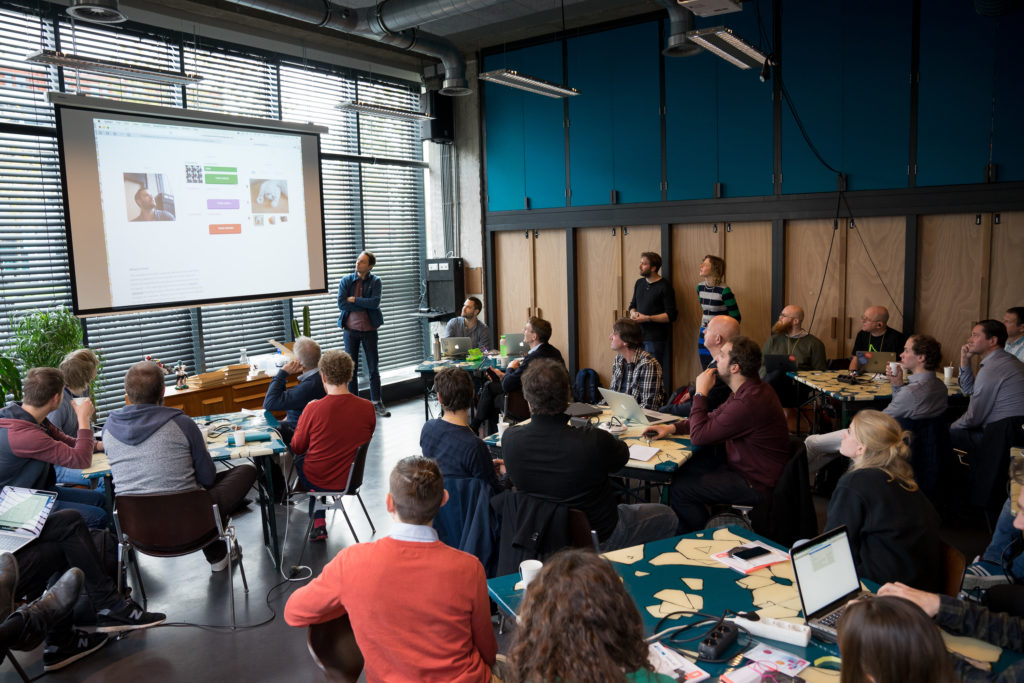
ThingsCon Amsterdam 2017, photo by nunocruzstreet.com

At ThingsCon Amsterdam 2017, Péter and I ran a second iteration of our machine learning workshop. We improved on our first attempt at TU Delft in a number of ways.

  • We prepared example code for communicating with Wekinator from a wifi connected Arduino MKR1000 over OSC.
  • We created a predefined breadboard setup.
  • We developed three exercises, one for each type of Wekinator output: regression, classification and dynamic time warping.

In contrast to the first version, we had two hours to run through the whole thing, in stead of a day… So we had to cut some corners, and doubled down on walking participants through a number of exercises so that they would come out of it with some readily applicable skills.

We dubbed the workshop ‘prototyping the useless butler’, with thanks to Philip van Allen for the suggestion to frame the exercises around building something non-productive so that the focus was shifted to play and exploration.

All of the code, the circuit diagram and slides are over on GitHub. But I’ll summarise things here.

  1. We spent a very short amount of time introducing machine learning. We used Google’s Teachable Machine as an example and contrasted regular programming with using machine learning algorithms to train models. The point was to provide folks with just enough conceptual scaffolding so that the rest of the workshop would make sense.
  2. We then introduced our ‘toolchain’ which consists of Wekinator, the Arduino MKR1000 module and the OSC protocol. The aim of this toolchain is to allow designers who work in the IoT space to get a feel for the material properties of machine learning through hands-on tinkering. We tried to create a toolchain with as few moving parts as possible, because each additional component would introduce another point of failure which might require debugging. This toolchain would enable designers to either use machine learning to rapidly prototype interactive behaviour with minimal or no programming. It can also be used to prototype products that expose interactive machine learning features to end users. (For a speculative example of one such product, see Bjørn Karmann’s Objectifier.)
  3. Participants were then asked to set up all the required parts on their own workstation. A list can be found on the Useless Butler GitHub page.
  4. We then proceeded to build the circuit. We provided all the components and showed a Fritzing diagram to help people along. The basic idea of this circuit, the eponymous useless butler, was to have a sufficiently rich set of inputs and outputs with which to play, that would suit all three types of Wekinator output. So we settled on a pair of photoresistors or LDRs as inputs and an RGB LED as output.
  5. With the prerequisites installed and the circuit built we were ready to walk through the examples. For regression we mapped the continuous stream of readings from the two LDRs to three outputs, one each for the red, green and blue of the LED. For classification we put the state of both LDRs into one of four categories, each switching the RGB LED to a specific color (cyan, magenta, yellow or white). And finally, for dynamic time warping, we asked Wekinator to recognise one of three gestures and switch the RGB LED to one of three states (red, green or off).

When we reflected on the workshop afterwards, we agreed we now have a proven concept. Participants were able to get the toolchain up and running and could play around with iteratively training and evaluating their model until it behaved as intended.

However, there is still quite a bit of room for improvement. On a practical note, quite a bit of time was taken up by the building of the circuit, which isn’t the point of the workshop. One way of dealing with this is to bring those to a workshop pre-built. Doing so would enable us to get to the machine learning quicker and would open up time and space to also engage with the participants about the point of it all.

We’re keen on bringing this workshop to more settings in future. If we do, I’m sure we’ll find the opportunity to improve on things once more and I will report back here.

Many thanks to Iskander and the rest of the ThingsCon team for inviting us to the conference.
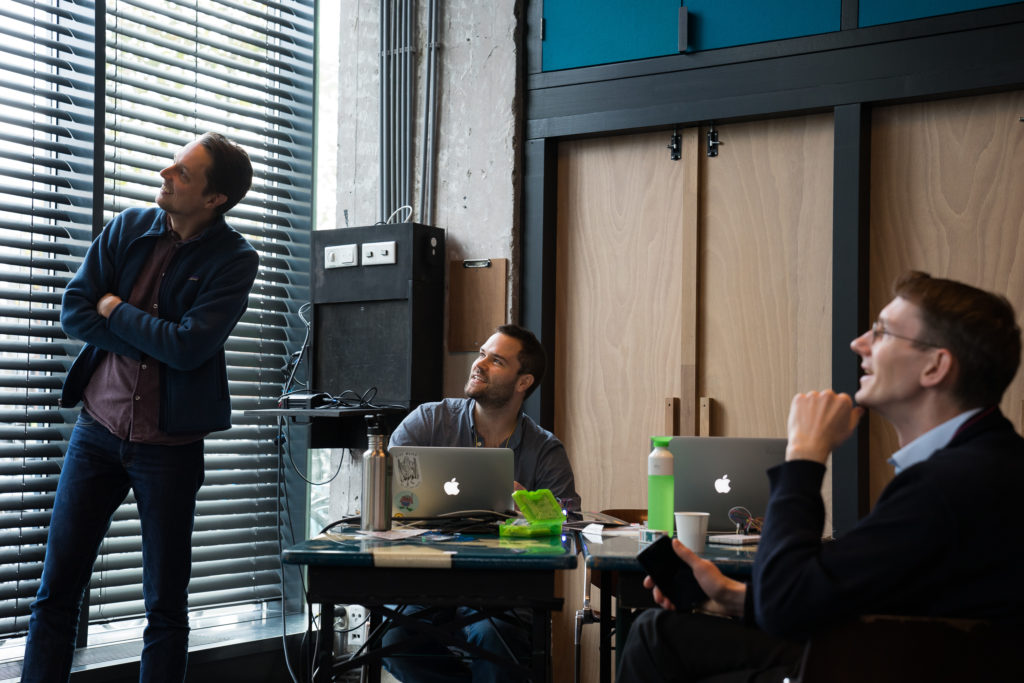
ThingsCon Amsterdam 2017, photo by nunocruzstreet.com

‘Machine Learning for Designers’ workshop

On Wednesday Péter Kun, Holly Robbins and myself taught a one-day workshop on machine learning at Delft University of Technology. We had about thirty master’s students from the industrial design engineering faculty. The aim was to get them acquainted with the technology through hands-on tinkering with the Wekinator as central teaching tool.

Photo credits: Holly Robbins

Background

The reasoning behind this workshop is twofold.

On the one hand I expect designers will find themselves working on projects involving machine learning more and more often. The technology has certain properties that differ from traditional software. Most importantly, machine learning is probabilistic in stead of deterministic. It is important that designers understand this because otherwise they are likely to make bad decisions about its application.

The second reason is that I have a strong sense machine learning can play a role in the augmentation of the design process itself. So-called intelligent design tools could make designers more efficient and effective. They could also enable the creation of designs that would otherwise be impossible or very hard to achieve.

The workshop explored both ideas.

Photo credits: Holly Robbins

Format

The structure was roughly as follows:

In the morning we started out providing a very broad introduction to the technology. We talked about the very basic premise of (supervised) learning. Namely, providing examples of inputs and desired outputs and training a model based on those examples. To make these concepts tangible we then introduced the Wekinator and walked the students through getting it up and running using basic examples from the website. The final step was to invite them to explore alternative inputs and outputs (such as game controllers and Arduino boards).

In the afternoon we provided a design brief, asking the students to prototype a data-enabled object with the set of tools they had acquired in the morning. We assisted with technical hurdles where necessary (of which there were more than a few) and closed out the day with demos and a group discussion reflecting on their experiences with the technology.

Photo credits: Holly Robbins

Results

As I tweeted on the way home that evening, the results were… interesting.

Not all groups managed to put something together in the admittedly short amount of time they were provided with. They were most often stymied by getting an Arduino to talk to the Wekinator. Max was often picked as a go-between because the Wekinator receives OSC messages over UDP, whereas the quickest way to get an Arduino to talk to a computer is over serial. But Max in my experience is a fickle beast and would more than once crap out on us.

The groups that did build something mainly assembled prototypes from the examples on hand. Which is fine, but since we were mainly working with the examples from the Wekinator website they tended towards the interactive instrument side of things. We were hoping for explorations of IoT product concepts. For that more hand-rolling was required and this was only achievable for the students on the higher end of the technical expertise spectrum (and the more tenacious ones).

The discussion yielded some interesting insights into mental models of the technology and how they are affected by hands-on experience. A comment I heard more than once was: Why is this considered learning at all? The Wekinator was not perceived to be learning anything. When challenged on this by reiterating the underlying principles it became clear the black box nature of the Wekinator hampers appreciation of some of the very real achievements of the technology. It seems (for our students at least) machine learning is stuck in a grey area between too-high expectations and too-low recognition of its capabilities.

Next steps

These results, and others, point towards some obvious improvements which can be made to the workshop format, and to teaching design students about machine learning more broadly.

  1. We can improve the toolset so that some of the heavy lifting involved with getting the various parts to talk to each other is made easier and more reliable.
  2. We can build examples that are geared towards the practice of designing IoT products and are ready for adaptation and hacking.
  3. And finally, and probably most challengingly, we can make the workings of machine learning more transparent so that it becomes easier to develop a feel for its capabilities and shortcomings.

We do intend to improve and teach the workshop again. If you’re interested in hosting one (either in an educational or professional context) let me know. And stay tuned for updates on this and other efforts to get designers to work in a hands-on manner with machine learning.

Special thanks to the brilliant Ianus Keller for connecting me to Péter and for allowing us to pilot this crazy idea at IDE Academy.

References

Sources used during preparation and running of the workshop:

  • The Wekinator – the UI is infuriatingly poor but when it comes to getting started with machine learning this tool is unmatched.
  • Arduino – I have become particularly fond of the MKR1000 board. Add a lithium-polymer battery and you have everything you need to prototype IoT products.
  • OSC for Arduino – CNMAT’s implementation of the open sound control (OSC) encoding. Key puzzle piece for getting the above two tools talking to each other.
  • Machine Learning for Designers – my preferred introduction to the technology from a designerly perspective.
  • A Visual Introduction to Machine Learning – a very accessible visual explanation of the basic underpinnings of computers applying statistical learning.
  • Remote Control Theremin – an example project I prepared for the workshop demoing how to have the Wekinator talk to an Arduino MKR1000 with OSC over UDP.